
Analytics
Browser analytics: a practical guide to better website decisions
Turn browser reports into a focused testing plan, with clear definitions, honest denominators, and a useful first-week workflow.
Make sense of browser data, follow the user journey, and find your next website improvement—with thoughtful, privacy-conscious measurement.
Small signals. A much clearer picture.
 Chrome
 Safari
 Firefox
 Edge+ more
A better experience, whichever browser brings you here.
ChromeSafariFirefoxEdge Opera
Opera Brave
BraveUnderstand the report, ask a better question, and turn what you learn into a better experience.
Start with a readable dashboard. Explore sessions, pageviews, and a defined goal without losing the context behind the numbers.
Explore the guideMap the path from arrival to action. Turn an unexpected exit into a useful question, not a guess about your visitors.
Explore the guideSeparate loading, responsiveness, and stability. Connect a performance observation to a task you can actually test.
Explore the guideUnderstand browser and device breakdowns, then use them to plan relevant compatibility and usability checks.
Explore the guideConnect landing pages, campaign labels, and meaningful actions. Keep each report focused on a decision.
Explore the guideDesign a smaller measurement plan with explicit purposes, reviewed properties, and understandable collection boundaries.
Explore the guideA browser label is a starting point, not the whole story. Compare meaningful groups, keep your denominators clear, and test the experience behind the numbers.
Chrome56%Safari24%Firefox9%Illustrative session shares, not worldwide browser market share.
A useful landing page sets the context.
Clear navigation makes the next step easier.
Measure the outcome you can actually observe.
Where did the visit begin? What happened next? Which task needs a closer look? Connect the steps without pretending every exit tells the same story.
Build a performance workflow around loading, responsiveness, and stability—not an unexplained score.
Investigate when the main content becomes available. Start with the page and the task your visitor came to complete.
Explore loadingTest the controls people actually use. A page-load screenshot cannot tell you how a menu or filter feels.
Explore responsivenessInspect the layout as content arrives. Make reading and navigating feel predictable from the first moment.
Explore stabilityPractical planning guides for the tools and workflows in your measurement stack.
Agree on definitions.
Make the schema explicit.
Keep labels consistent.
Make reports portable.
Guides to integration design—not connected accounts or partnership claims.
Browse the library, try the sample workspace, or bring a focused project question.
Browser analytics, explained.
Get comfortable with the numbers.
Bring a focused implementation question.
Thoughtful guides for a clearer understanding of your visitors and your website.
Turn browser reports into a focused testing plan, with clear definitions, honest denominators, and a useful first-week workflow.
Build a smaller measurement plan with explicit purposes, thoughtful collection boundaries, and practical checks for every new event.
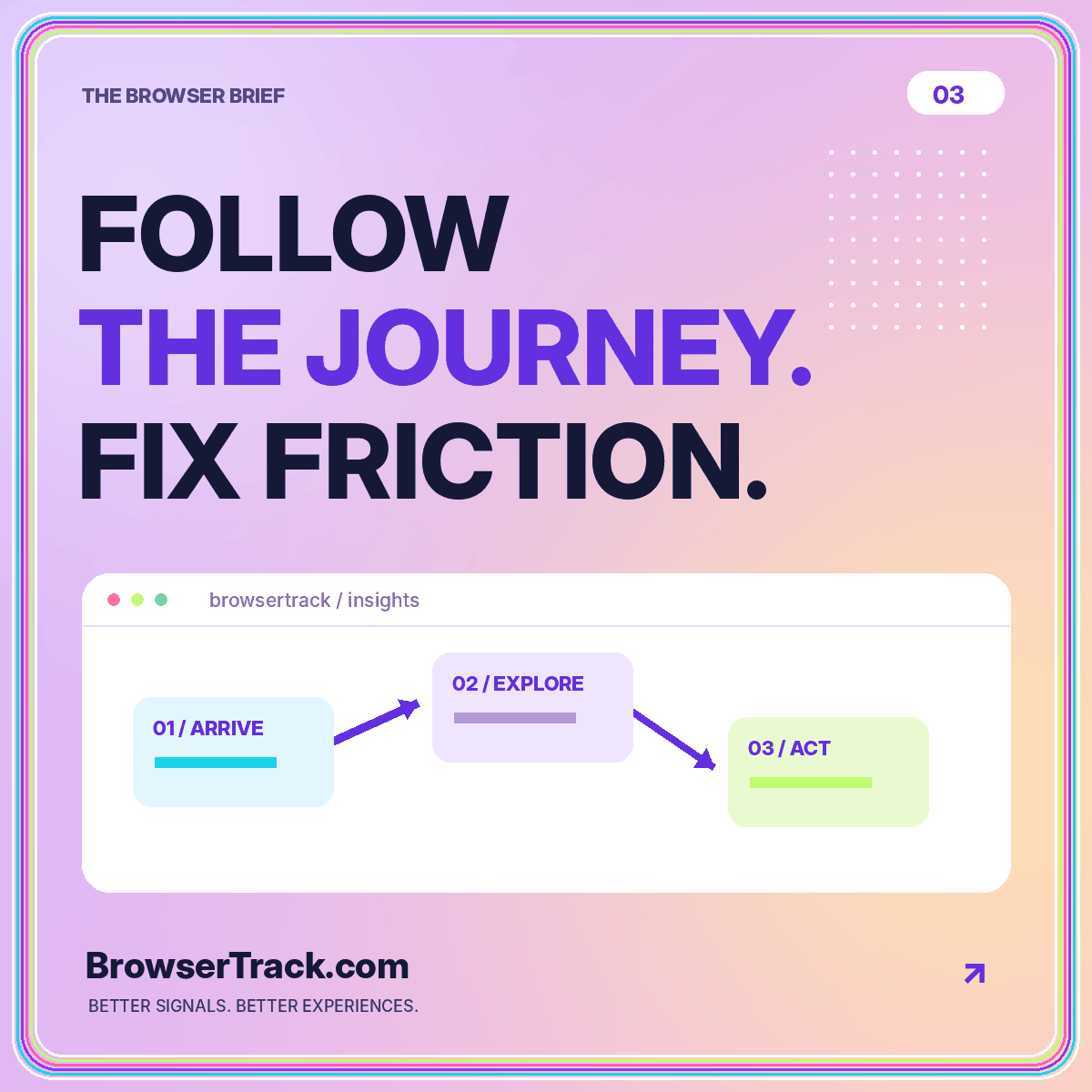
Map a meaningful visitor task, distinguish paths from funnels, and turn apparent drop-offs into testable usability questions.
Here is what you can explore—and what the sample workspace represents.
Explore browser analytics concepts, use an interactive dashboard with synthetic data, and work through practical guides for visitor insights, journeys, campaign labels, and website performance. The library and demo are available without an account.
No. The dashboard uses a fixed, synthetic dataset to illustrate how reports fit together. Its figures are not BrowserTrack traffic, customer results, or worldwide browser market share. Range and device controls recalculate that sample data locally.
There is no live collection endpoint or account connection in this website. Use the documentation and integration patterns to plan your measurement setup, or email [email protected] with a specific implementation question.
A browser label describes a software classification, not a verified person. This site’s demo does not identify visitors. For an actual collection system, decide what is necessary, review the permission boundary, and avoid treating a browser category as personal identity.
No. The integration pages explain workflows and data boundaries. No third-party accounts are connected, and browser or platform names do not imply sponsorship or a partnership.
Explore the sample dashboard, then turn one useful insight into your next website improvement.