A user journey is more than a sequence of page addresses. It is a person trying to accomplish something: compare an option, understand a requirement, find an answer, or contact a business. Analytics can describe recorded actions along the way, but it does not directly reveal the person’s intention. A useful journey map keeps that distinction visible.
Start with a task rather than a diagram. This guide uses a hypothetical visitor comparing a service and finding the contact page. The method also works for documentation, content discovery, and other measurable website tasks. Its purpose is to help a team identify a specific improvement, not to claim that every unexplained exit represents a lost conversion.
Write the journey in plain language
Describe the starting situation, the desired outcome, and the information the visitor needs in between. For example: “A visitor arrives on a service page, checks whether the offering fits their project, and looks for a way to ask a question.” This sentence gives the journey a purpose without assuming that every visitor should take exactly the same route.
Then name the observable steps. The service page can be viewed, the requirements section can be opened, the contact page can be reached, and an email link can be activated. These actions are related, but they are not interchangeable.
Keep unobservable outcomes outside the measurement claim. Activating a mail link may be recorded, but it does not prove that the message was sent or that a sale followed. A map is more useful when each step says exactly what evidence supports it.
Distinguish a path from a funnel
A path explores the sequence of actions observed in a dataset. A funnel checks movement through a sequence you define. Google’s path exploration documentation illustrates how recorded pages or events can be explored forward from a starting point or backward from an ending point. It also distinguishes event counts from user counts.
Use a path when you want to discover common next actions. Use a funnel when you want to test a specified process. Neither method turns an observed association into an explanation of why someone acted.
Apply the distinction to one task
For the service example, a path may reveal visits to a frequently asked questions page before contact. A funnel that omits that optional step may still be appropriate, provided you explicitly decide whether intermediate actions are allowed. Document that rule before interpreting completion or abandonment.
Select steps that have a clear meaning
Choose steps with a stable definition. “Requirements opened” can be useful when it refers to a particular disclosure component. “Engaged” is less helpful unless the team agrees on the behavior it represents. Avoid making a step depend on incidental interface text that changes with every content edit.
A small journey is easier to validate. Start with arrival, one important intermediate action, and the intended measurable outcome. Add another step only when it helps distinguish two plausible explanations for a problem.
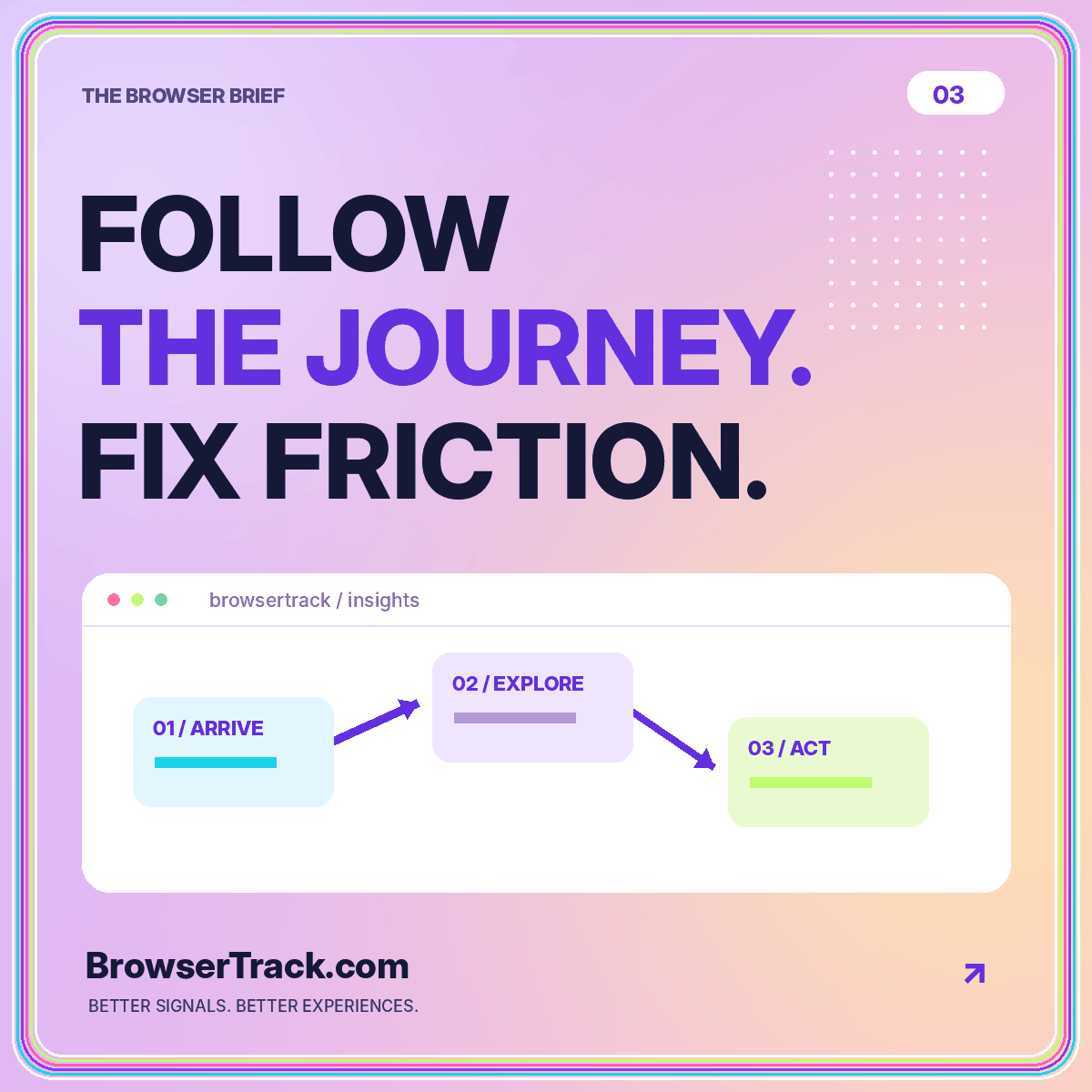
The user journey overview provides a compact model for this process. Keep the event names separate from the labels shown in a report. A readable label can change without quietly changing the underlying event definition or fragmenting the historical record into several names.
Set the population and time boundary
Decide who can enter the journey and how long they have to complete it. A journey limited to one visit asks a different question from a process that allows return visits over several days. Choose the boundary that fits the task and explain the limitations of your measurement method.
Keep the denominator explicit at every step. In a hypothetical funnel, 200 recorded sessions reach a service page, 80 reach contact, and 20 activate the email link. That is a 40 percent service-to-contact rate and a 10 percent service-to-email-link rate. Those percentages describe this sample, not a general benchmark.
Do not add together overlapping groups as though each represents a different person. A visitor can revisit a page or take several paths. Decide whether your report counts actions, sessions, or recognized users, then keep that unit consistent.
Treat an exit as a question
An exit is not automatically a failure. Someone reading an opening-hours page may leave because they found the answer. Someone on a service page may decide the offering is unsuitable. Those situations differ from a broken contact button even though all can appear as the end of a recorded path.
For each apparent drop-off, write at least two plausible explanations. One might involve usability, such as an unclear next step. Another might involve task completion or visitor intent. Look for evidence that can distinguish them instead of choosing the explanation that makes the strongest marketing story.
Review the page itself. Is the essential information easy to find? Is the next action accurately labeled? Is there a relevant alternative for visitors who are not ready to contact the business? Sometimes the right improvement is clearer information rather than a louder button.
Segment only when it helps the investigation
Compare mobile and desktop when the interface differs meaningfully between them. Compare browser groups when you suspect a compatibility issue. Compare landing-page types when visitors begin with different information. Each breakdown should answer a question rather than simply make the diagram more detailed.
Watch the remaining counts. A modest dataset split by browser, device, campaign, geography, and page can produce many tiny groups. A dramatic percentage in a very small group is a reason to look more closely, not a reliable forecast of what a redesign will achieve.
Use the browser analytics guide to keep classification and denominators clear. When an apparent gap appears, try reproducing the task in that environment before concluding that the browser or device caused it.
Combine the map with direct observation
A diagram can locate a place to investigate. Direct observation can reveal what the interface actually does there. Ask a tester to complete the task using a clear scenario, then watch where the interface becomes confusing or stops working. Avoid telling the tester which button you expect them to use.
Record the route taken, the point of hesitation, and any error encountered. Distinguish what you observed from what you infer. “The menu closed when focus moved” is an observation. “The visitor did not trust the company” is an interpretation that needs different evidence.
Keep the test narrow enough to repeat after a change. A before-and-after check should use the same core task and comparable conditions. That makes it easier to establish whether you fixed the observed issue rather than simply changing the diagram.
Prioritize a change you can evaluate
Choose a small intervention tied to the evidence. If the contact link is hidden behind an ambiguous label, test a clearer label. If the requirements are missing, improve the information. If a control fails in a particular environment, resolve the functional defect before experimenting with visual emphasis.
Write a prediction and a guardrail. For example, a clearer link might increase recorded contact-page visits, while the essential service information should remain easy to read. Define what you will inspect and when, but avoid promising a particular uplift before you have evidence.
Keep a record of the release and any measurement changes. An event rename during the same release can make the outcome difficult to interpret. The best journey improvement is one the team can explain in terms of a concrete task and a verified change.
Conclusion: map the task, not an imagined person
User journey analysis works best when a meaningful task anchors every step. Define observable actions, choose a consistent counting unit, make time boundaries explicit, and treat unexplained behavior as a prompt for investigation.
A useful map does not need to contain every possible route. It needs to help the team decide what to inspect and improve next. Connect the diagram to real interface testing, keep alternative explanations in view, and close the loop after a change. That turns a colorful flow into a practical tool for a better visitor experience.