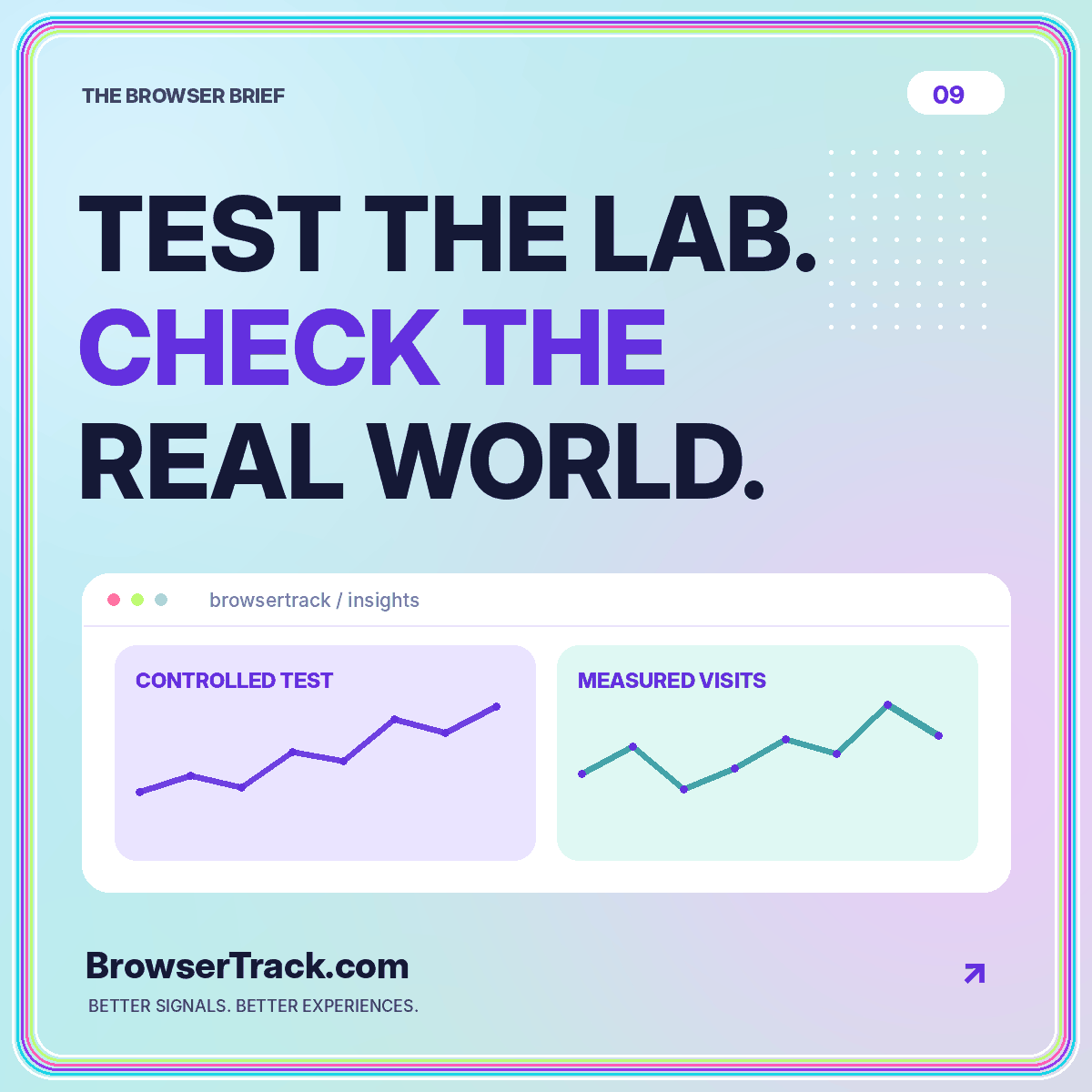
A performance investigation can begin with an apparent contradiction: a controlled test looks fast, but a field report suggests that some visitors have a slower experience. The tempting response is to decide that one tool must be wrong. A more useful response is to ask what each tool measured, under which conditions, and across which period.
Lab testing and real-user monitoring are complementary approaches. They can inform the same investigation without producing identical numbers. This guide shows how to record their contexts, connect a field observation to a reproducible test, and verify a change without confusing a single test run with the experience of an entire audience.
Start by naming the measurement context
A lab test runs under specified conditions. A field report summarizes observations from measured visits. Google’s explanation of lab and field data differences describes why device conditions, network conditions, user behavior, and the scope of measurement can lead to different results.
Give each result a clear label. Record the test environment for the lab result and the population and reporting window for the field result. Avoid placing the numbers beside one another without that context and asking which one is the “real” score.
The practical question is what each observation can help you decide. A reproducible test may help locate a cause. A field report may help identify which experience needs attention or whether a problem appears within a measured population. Keep those purposes distinct throughout the investigation.
Define the task before running a test
A page-load test and an interaction test answer different questions. Opening a page without using it may not reveal what happens when a menu expands, a filter changes, or a long content panel appears.
Write a short task script. For a hypothetical documentation page, it could be: open the page, navigate to an example, expand the code panel, and copy the snippet. That gives the tester a repeatable route and ensures the investigation includes the behavior that matters.
Record the starting state. Was the page visited previously? Were relevant resources cached? Was the test performed after a fresh navigation? These details help explain differences between runs. The aim is not to manufacture a single ideal number but to understand the scenario you are evaluating.
Read field evidence as a defined sample
A field dataset has boundaries. It represents the visits and measurements captured by the particular system, not an automatic census of everyone who tried to use the website. Keep the collection method, eligibility rules, and known gaps attached to the report.
Choose a page family and a meaningful segment before drawing conclusions. Combining a lightweight article template with an interactive application can obscure where a problem occurs. Likewise, a sitewide summary may not describe the experience of a particular device group.
Use the performance overview to define which metric and task you are reviewing. Report the amount of available data and avoid implying precision where the sample is small. A thin dataset can still motivate a test, but it should not be presented as a stable estimate of every future visit.
Align the comparison before looking for causes
Check that the lab test and field report refer to comparable pages. A test of the homepage will not necessarily explain a field issue on a search-results template. Confirm the deployed version, page state, and any relevant variation in content.
Next, compare metric definitions and units. A general load-duration measure is not interchangeable with a specific user-experience metric simply because both are measured in seconds. Use the Core Web Vitals guide to keep loading, interactivity, and stability concepts separate.
Keep the time windows explicit
A field window may include visits from before and after a release. A lab test captures a particular run. Mark the release date and avoid interpreting a mixed reporting window as a clean measurement of the new version alone. This small annotation prevents a surprising amount of confusion.
Turn a field pattern into a testable hypothesis
Suppose a hypothetical field report suggests slower loading on a product template within a mobile segment. Write several possible explanations before changing code. The page might request an oversized main image, delay discovering an important asset, or depend on unnecessary work before the content appears.
Choose a controlled test that can inspect one explanation. Record the resources involved and the sequence in which they become available. A trace or network view can help, but it still needs interpretation tied to the page and task.
Do not assume the first warning a tool displays is the cause of the field pattern. Treat tool recommendations as candidates to evaluate. The best next step is a change or diagnostic check that could meaningfully confirm or weaken your specific hypothesis.
Make a small intervention and repeat the scenario
Change one plausible cause where practical. For example, test an appropriately sized image on a representative page while leaving the broader design unchanged. Repeat the same task under the same documented conditions.
Record more than the headline result. Did the content remain readable? Did the interaction still work? Did the layout stay stable? A faster test is not an improvement if it comes from removing essential information or breaking a control.
Repeat enough runs to understand whether your observation is consistent within the chosen setup. Do not select only the best result for a report. Preserve the test conditions and the reasoning behind the change so a teammate can reproduce the finding instead of relying on a screenshot with no context.
Verify deployment separately from measurement
After a release, confirm that the changed resources and behavior are actually present on the served page. Inspect the expected file or visible effect. A completed deployment process does not by itself demonstrate that every cache or route is serving the version you intended.
Then rerun the controlled scenario. Keep this verification distinct from the later field review. The first checks whether the intended change exists and behaves as expected; the second asks what the measured audience experienced over an appropriate period.
Maintain a release note with the page family, change, expected effect, and verification steps. If another metric moves unexpectedly, the note gives the team a starting point for investigation without requiring everyone to reconstruct the release history from memory.
Review field results with reasonable expectations
Choose a post-release review window that can contain enough relevant observations for your decision. Do not expect a historical aggregate to change immediately after a deployment. Also avoid assuming that a later movement was caused entirely by your code change when the audience, content, or traffic mix may have changed.
Compare the same page groups and definitions wherever possible. Keep deployment boundaries and other important changes visible. Where the evidence is inconclusive, say that the hypothesis remains unconfirmed and identify what additional test would help.
A useful internal report ends with a decision: keep the change, investigate a regression, gather more evidence, or prioritize a different problem. It should not simply repeat that one chart went up and another went down. The purpose of measurement is to improve the website, not to force agreement between tools.
Conclusion: use two views of the same problem
Lab tests and field reports are most powerful when they have distinct jobs. Use measured audience evidence to identify and contextualize a problem. Use controlled scenarios to investigate causes and verify implementation changes.
Keep populations, time windows, tasks, and units visible. Repeat meaningful scenarios rather than chasing the best isolated score. A careful workflow can explain why results differ and still lead to a clear improvement. That is more useful than deciding that one approach should replace the other.