Website performance is easiest to improve when each metric leads to a concrete investigation. A score by itself does not tell a team whether the main content appears too late, a menu responds poorly, or the page moves while someone is trying to read it. Core Web Vitals provide a vocabulary for separating those problems, but the vocabulary is only the beginning of the work.
This guide turns that vocabulary into an operational plan. It focuses on defining the population, finding a reproducible problem, and checking a change. The numerical examples are illustrative. They are not measurements of BrowserTrack.com or promised results for another website.
Know what each metric describes
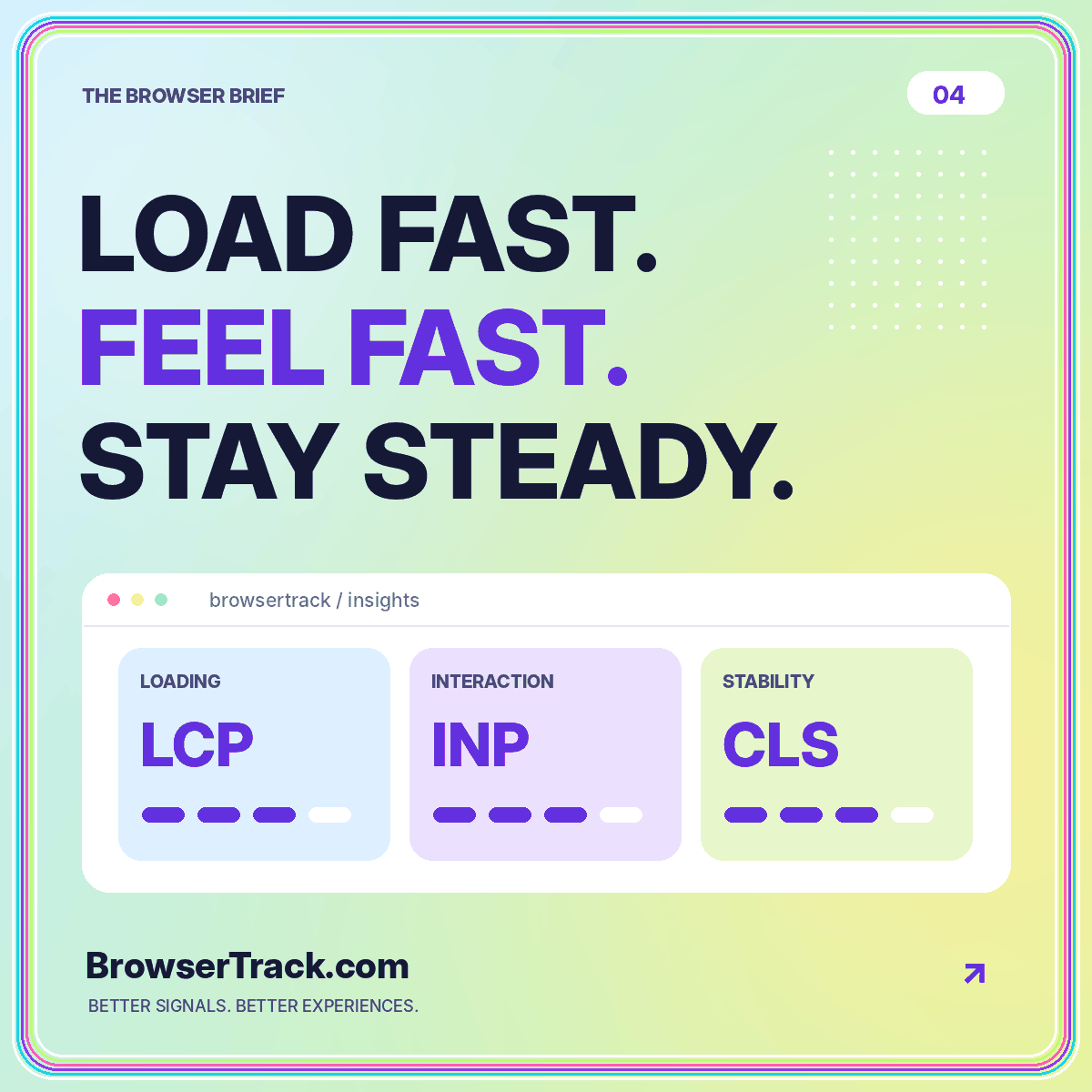
Google’s Web Vitals overview identifies Largest Contentful Paint as a loading metric, Interaction to Next Paint as an interactivity metric, and Cumulative Layout Shift as a visual-stability metric. Its good-experience thresholds are LCP at 2.5 seconds or less, INP at 200 milliseconds or less, and CLS at 0.1 or less, assessed at the 75th percentile of page loads and separated for mobile and desktop.
Keep the units visible. LCP and INP are durations; CLS is a score, not a number of seconds. Do not place all three on an unlabeled scale simply because they belong to the same family.
These thresholds help classify experience. They do not remove the need to understand the task. A person can encounter a broken control on a page whose recorded performance metrics look healthy.
Start with a page family and a visitor task
Pick a part of the site that matters. A product-detail template, an article template, and a contact page can involve different assets and interactions. Grouping everything together may make it difficult to identify which change would improve the experience.
Choose a representative task for the selected family. For a documentation page, the task might be finding and expanding a configuration example. For a service page, it might be opening the mobile navigation and reaching contact details. That gives your investigation a sequence of actions to repeat.
Write down what “better” means for that task. The content should become available promptly, the controls should respond predictably, and the layout should remain stable enough to use. A task description keeps the work grounded when a tool presents dozens of possible recommendations.
Separate observation from diagnosis
A field report describes the measured experience of a population. A controlled test helps investigate what happens under specified conditions. Use each for its own purpose instead of expecting the values to match exactly.
Suppose a hypothetical field report suggests that a particular article template has a loading problem. A controlled test can help inspect the initial document, images, scripts, and rendering sequence. The field observation tells you where to look; the test helps you investigate a possible cause.
The lab versus real-user monitoring guide explains how to record those contexts side by side. In your issue tracker, keep the population and reporting window separate from the test environment. That prevents a single fast test from being mistaken for proof that every visitor had a fast experience.
Investigate loading in the order it happens
For a suspected LCP issue, begin with the visible content a person is waiting to use. Identify that content in the test rather than assuming the largest file must be the relevant element. Then inspect what has to happen before it can appear.
Ask practical questions. Does the initial document arrive promptly? Is the main visual discovered early? Is an unnecessarily large image being used in a small space? Is rendering delayed by a resource that could be simplified? Treat each as a hypothesis to inspect, not a universal diagnosis.
Change one explanation at a time
For a test page, compare a carefully optimized image with the original while keeping the rest of the setup consistent. Record the change and repeat the same scenario. A small, controlled modification is easier to evaluate than simultaneously replacing images, rewriting scripts, changing hosting, and redesigning the template.
Investigate responsiveness through interaction
Do not test an interactive page by loading it and then doing nothing. Open the menu, activate a filter, expand content, or perform the main action. Choose the interactions that correspond to the visitor’s task and inspect what happens when they are used.
When an interaction feels delayed, note whether the delay is reproducible and what else is happening at the time. A relevant trace may help distinguish work performed by the event handler from other activity. Keep the description specific enough for another developer to repeat.
Avoid making a control appear faster by removing useful feedback. A visitor needs to understand whether the action was accepted and what happens next. Performance work and interaction design should support the same clear experience rather than compete over an isolated number.
Investigate stability while content changes
Observe the page as images, type, and optional components appear. Look for movement that disrupts the task. A stable initial screenshot does not tell you whether content shifted just before or after it was captured.
Consider a hypothetical article card that changes height when its image becomes available. Reserving an appropriate area for the image is a specific change to test. Likewise, a notice inserted above the content deserves inspection because it may move the material somebody is already reading.
Keep expected interaction-driven changes distinct from unexplained movement. The goal is not to freeze every interface. It is to make behavior understandable and avoid disruptive shifts. Record the sequence, the affected element, and the test conditions rather than writing a vague issue such as “the page jumps sometimes.”
Prioritize with impact and confidence
A practical performance backlog should include the affected page family, the observed problem, the evidence, the suspected cause, and a proposed verification method. Add an owner so the finding has a route to resolution.
Prioritize important tasks and reproducible problems before chasing minor cosmetic score changes. Where the evidence is uncertain, schedule a diagnostic task rather than presenting an untested fix as a guaranteed improvement. A team can waste considerable effort optimizing a resource that was never the limiting factor in the observed scenario.
Use the performance overview as a starting structure for a review. Keep accessibility and functional checks alongside performance work. A quicker page that hides essential information or makes navigation harder is not a successful experience improvement.
Verify the release and watch the right window
Repeat the controlled test after the change, using the same task and documented conditions. Confirm that the intended modification is actually deployed. Check the relevant assets and behavior rather than assuming a successful build means the visitor sees the new version.
Then examine an appropriate field reporting window when enough new observations are available. Mark the deployment boundary and avoid comparing mixed old-and-new data as though it represented a clean experiment. Where the sample is small, say so in the internal report.
Keep a short release note explaining what changed and what did not. If a metric moves in an unexpected direction, that note helps the team investigate without reconstructing the entire deployment from memory. Preserve the test scenario so it can become part of the next release check.
Conclusion: optimize the experience, then verify it
Core Web Vitals are useful when they help a team identify a specific loading, responsiveness, or stability problem. Their definitions and thresholds give the report structure, but the improvement process still depends on thoughtful investigation.
Start with a page family and a meaningful task. Connect measured observations to reproducible tests, change a plausible cause, and verify both functionality and performance afterward. A disciplined loop is more useful than a one-time score screenshot. It leaves you with a clearer understanding of the website and a repeatable way to make the next release better.